
Each device of the same model must have a unique physical address. No two devices should use the same address.
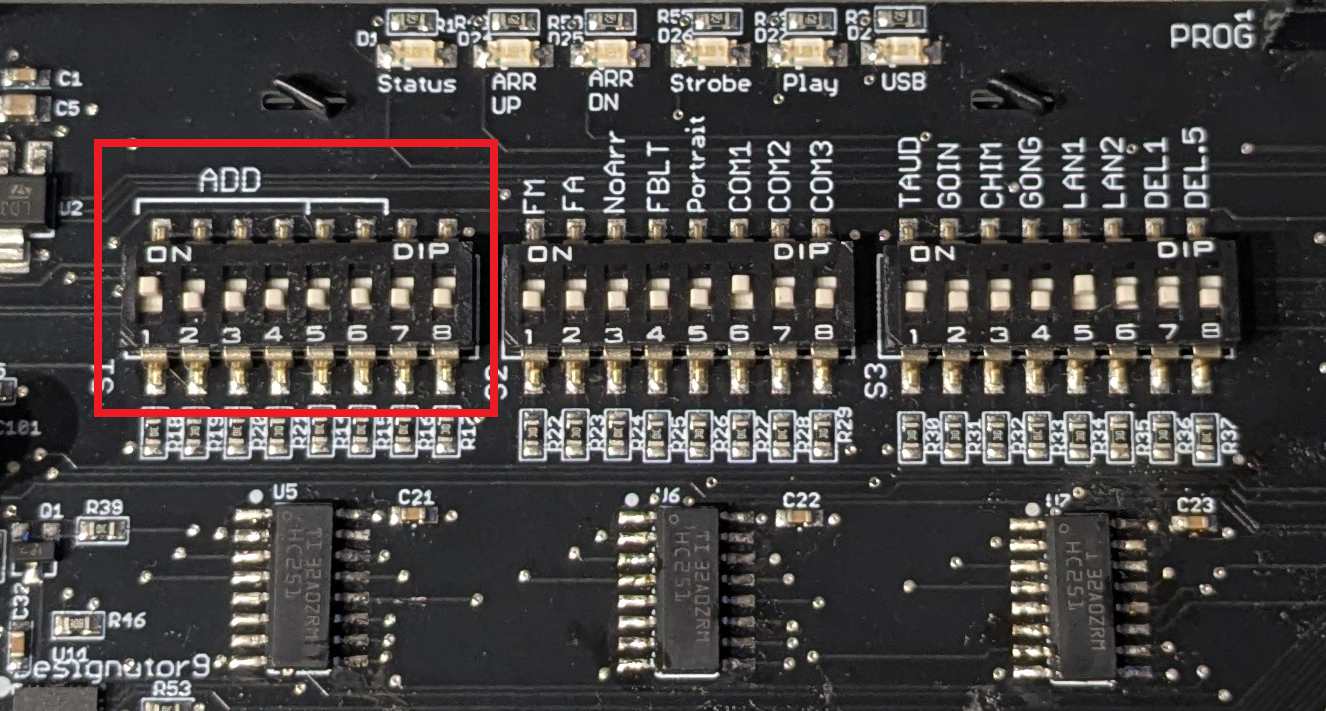
A power cycle of the Thunder Phone should be done after the change of a physical address.
Add a device
To add a new device to the configuration, press the disk icon next to the device on the Supervisor touchscreen.

After adding a device, please wait up to 3 minutes for the Thunder System to update its configuration. During this time, the Thunder Phone status may turn red.
Thunder machine room phones (TP0022) may take up to 20 minutes to turn green after being added. (Troubleshoot)
Rename a device/building
On the Supervisor home page, press the pencil icon to rename the building and its devices (Troubleshoot)
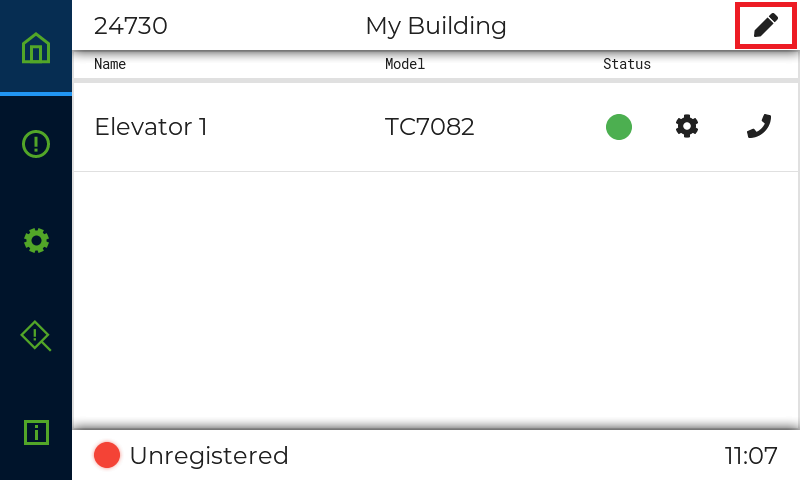
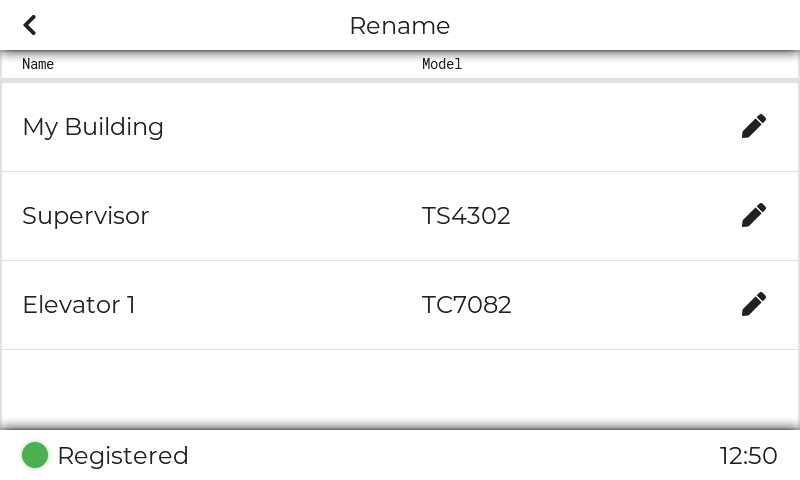
Status indicator color meaning:
🔴 The device is in error state (Troubleshoot)
🟠 The device is not part of the current building configuration (Troubleshoot)
🔵 The device is updating its configuration or is doing an update (Troubleshoot)
⚪ The device is disabled (Troubleshoot)
🟢 The device functions normally
Device Discovery is complete.
Previous step: Installation (Low-rise) / Installation (High-rise)
Next step: Internet and Updates