
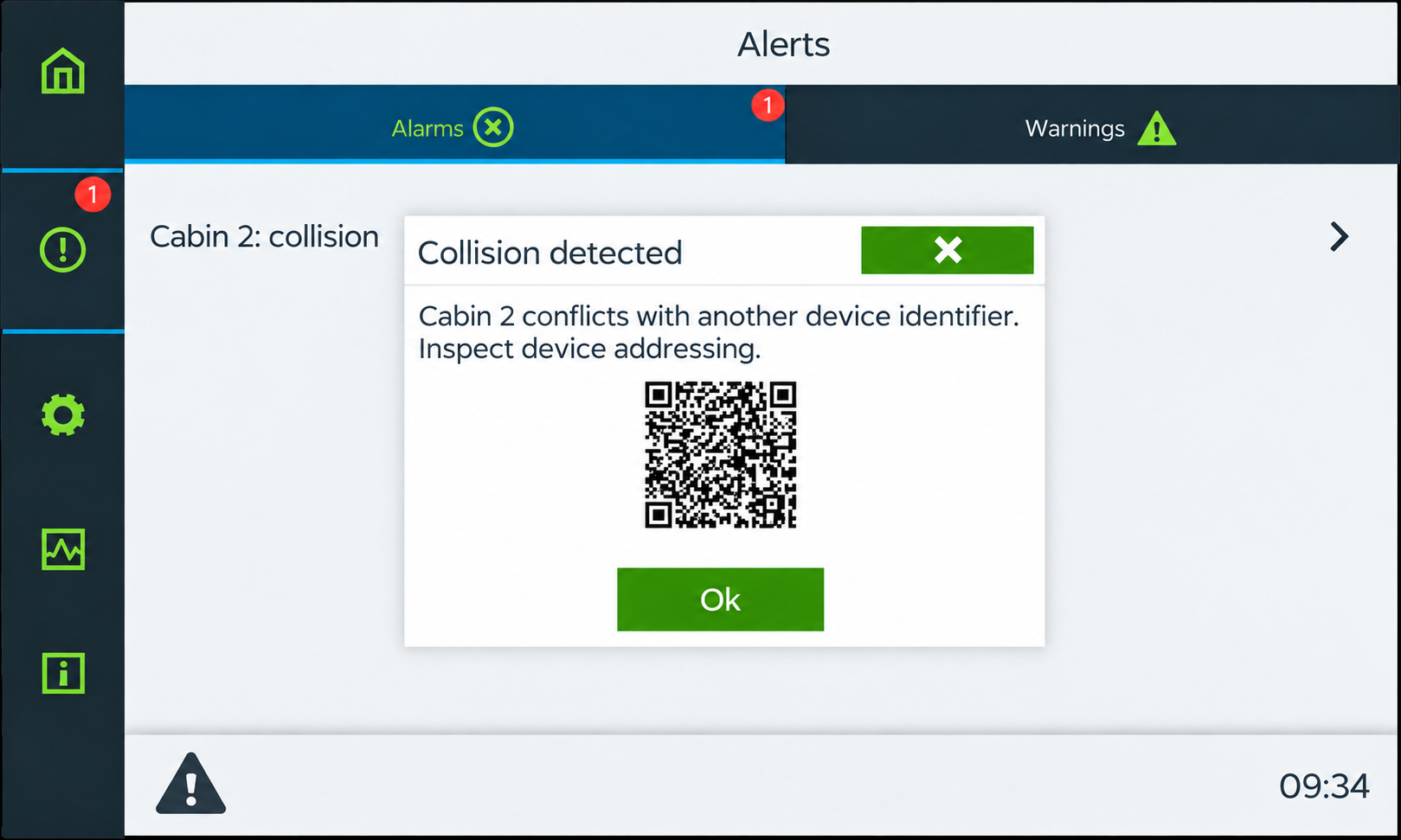
The Collision error occurs when two or more Thunder devices of the same model have the same physical address.
For example, if two TC7082 Thunder Phones are configured with address 1, the supervisor will report a collision.
Step 1 — Verify the Device Address
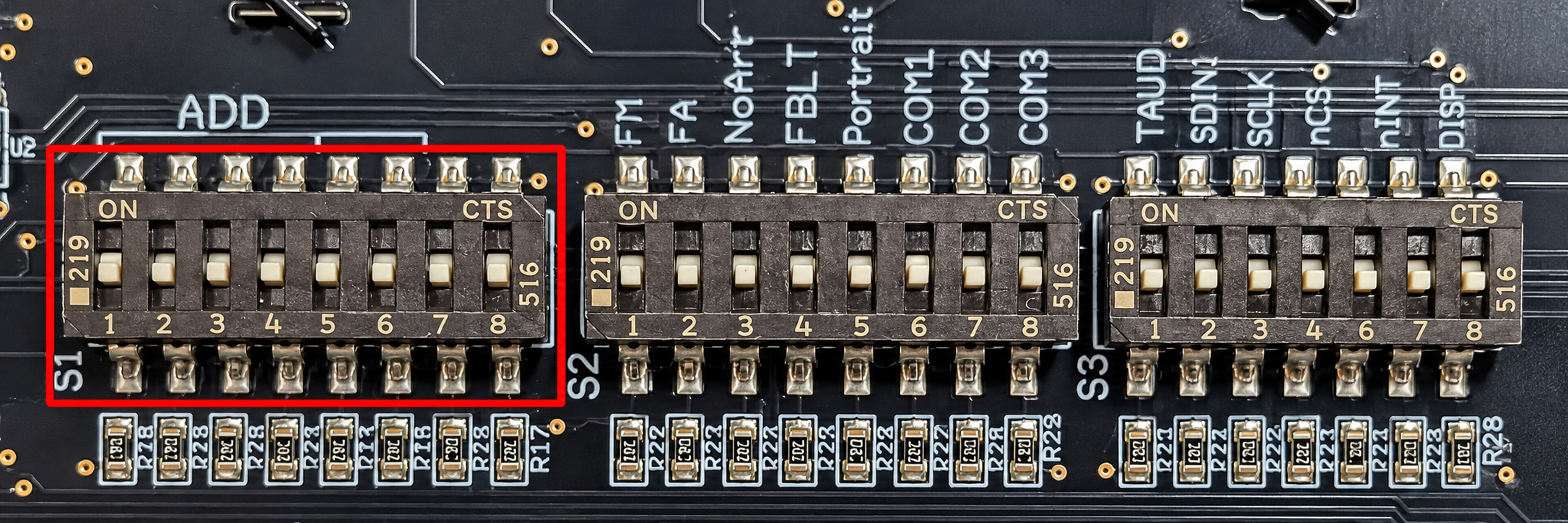
Locate the DIP switches labeled ADD on the back of each affected Thunder Phone.
Make sure that each device of the same model has a unique physical address. If two devices share the same address, change one to an unused address.
Step 2 — Restart the Device
After changing the physical address, power-cycle the affected Thunder Phone to apply the new configuration.
Step 3 — Verify the Supervisor
Return to the supervisor and confirm that the Collision error has cleared and that the affected devices display a normal status.